
Your pace, always.
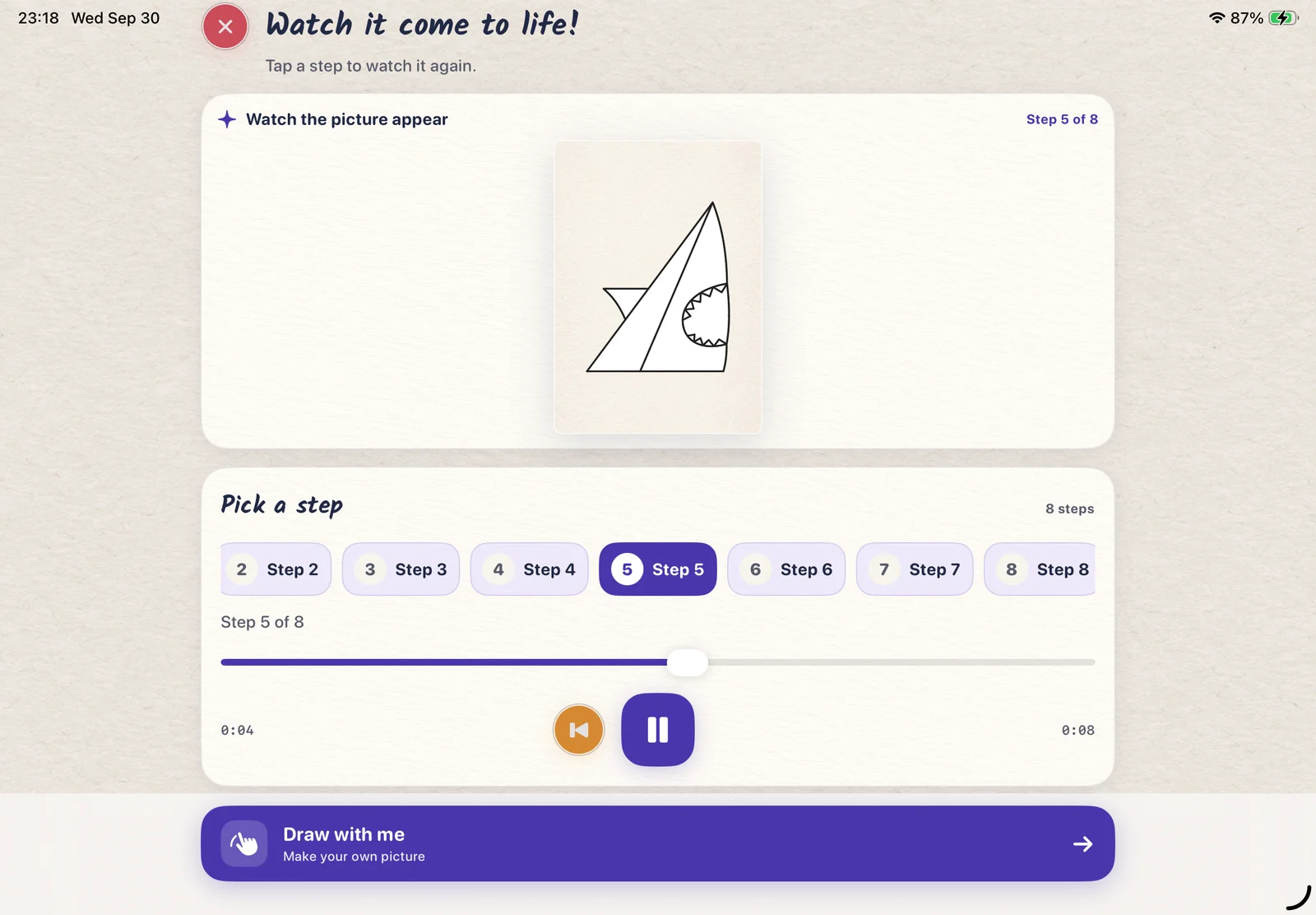
Pause a drawing guide or replay a step. Take another look whenever a line needs a little practice.
✦ The drawing app for little imaginations
Learn to draw, find your colors, and turn your pictures into a little book. A creative space where every “I made this!” belongs.
For iPad & iPhone · Draw with your finger or Apple Pencil
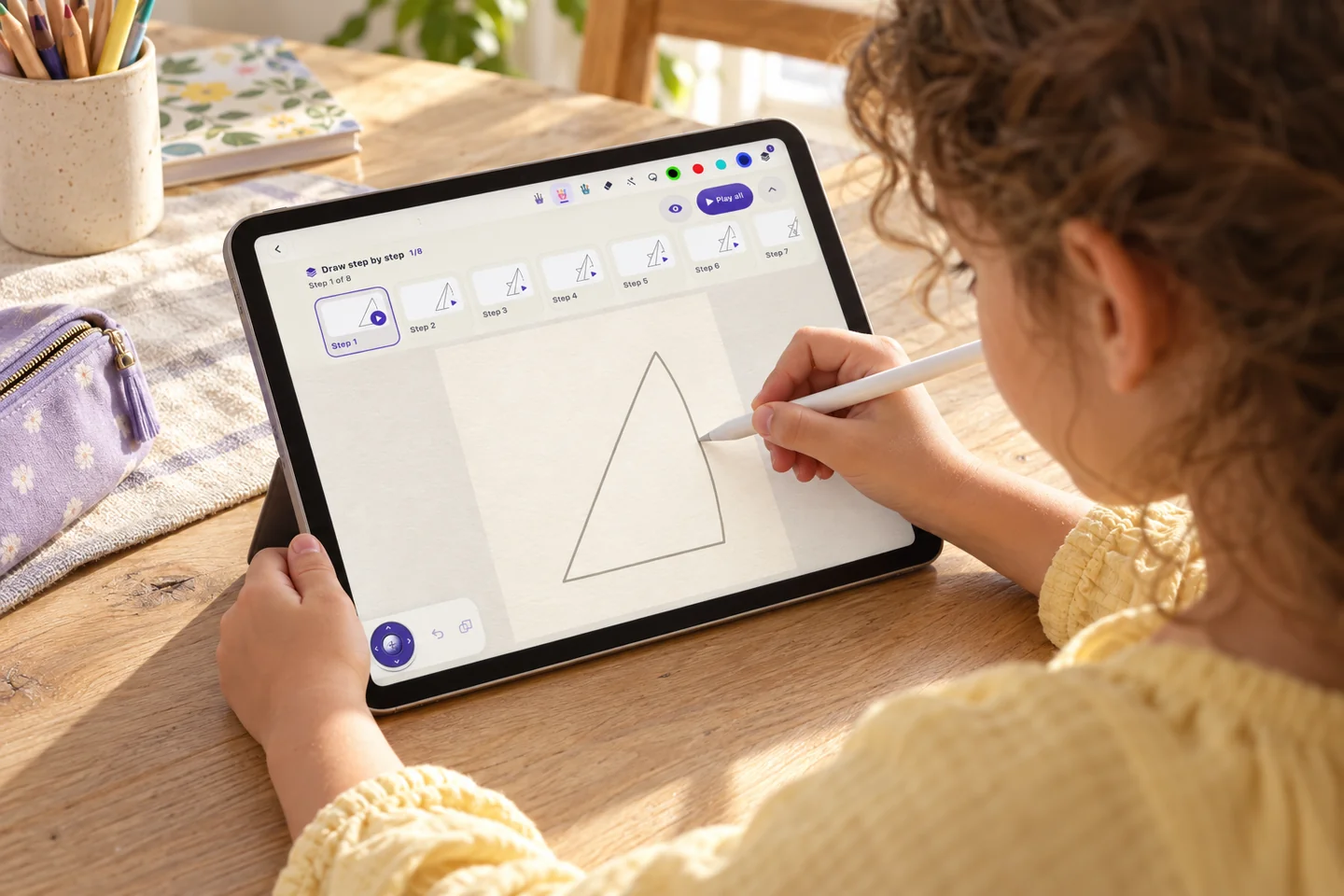 ✦ One little line at a time.
A place to try. A reason to keep going.
LittlePaper brings a helpful drawing guide and an open-ended art space together. Watch a step. Draw a line. Choose a wildly wonderful color. There’s room to find your own way.
Five little ways to make it yours
One creative space for the first line, the last color, and everything in between.
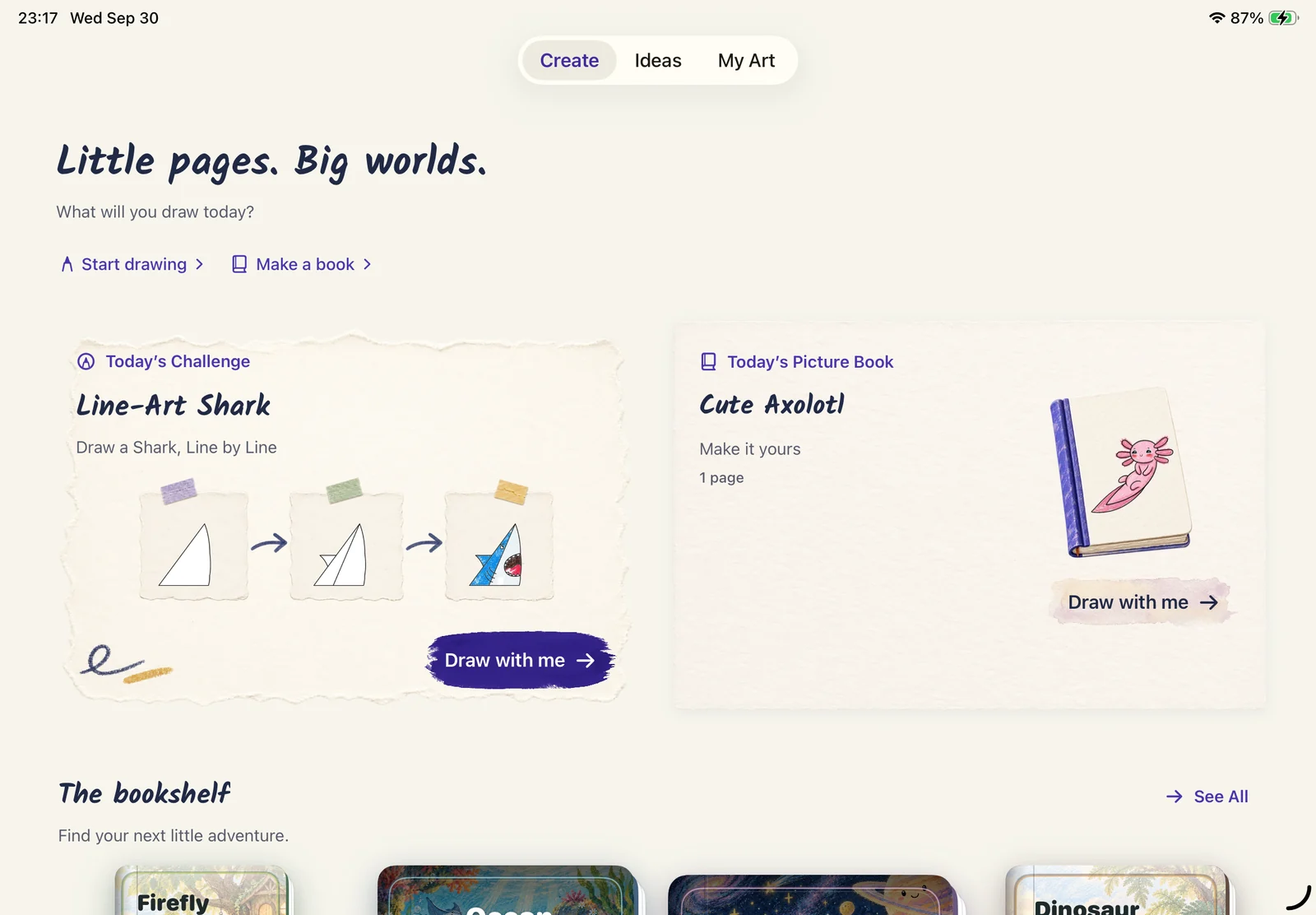
Pick a drawing idea, start a fresh page, or make your own picture book. A little inspiration goes a long way.
Play the steps, pause, and go back to the part you want to see again. You set the pace.
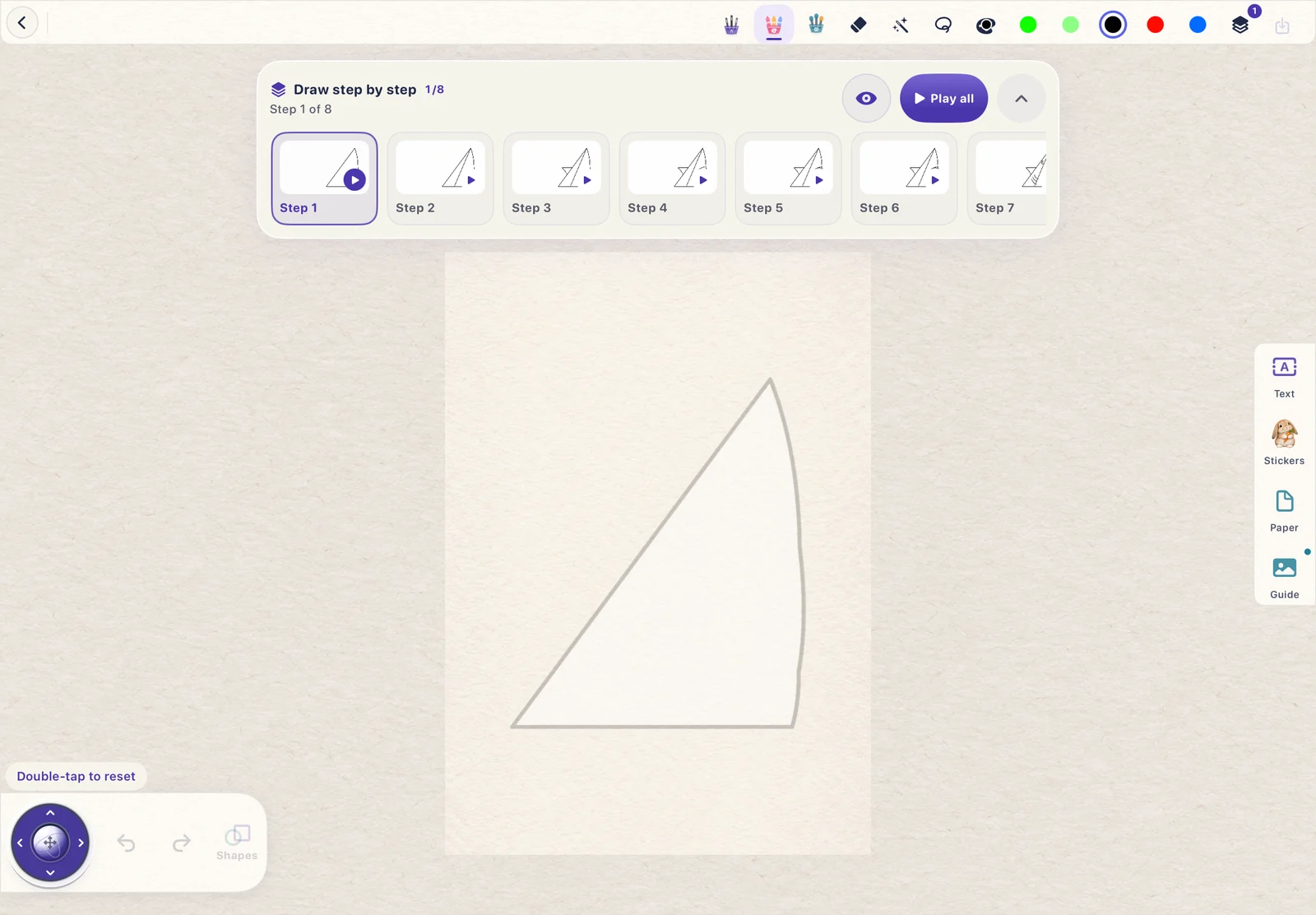
Follow a light guide on the canvas, then make the picture your own with your finger or Apple Pencil.
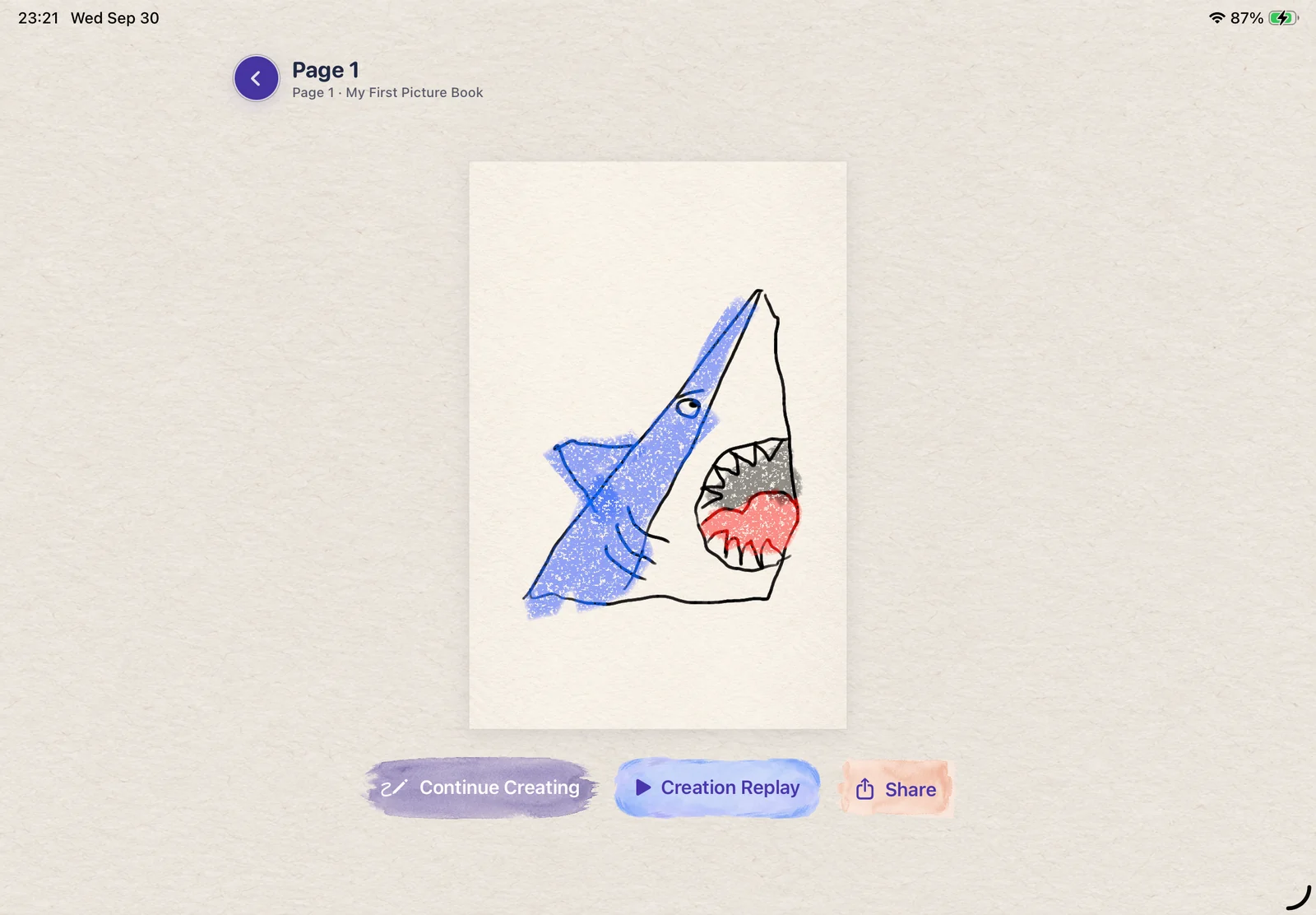
Add expressive crayon marks and your own color choices. The little imperfections are part of the picture.
Bring your pages together in a digital picture book, turn its 3D pages, and revisit what you made.
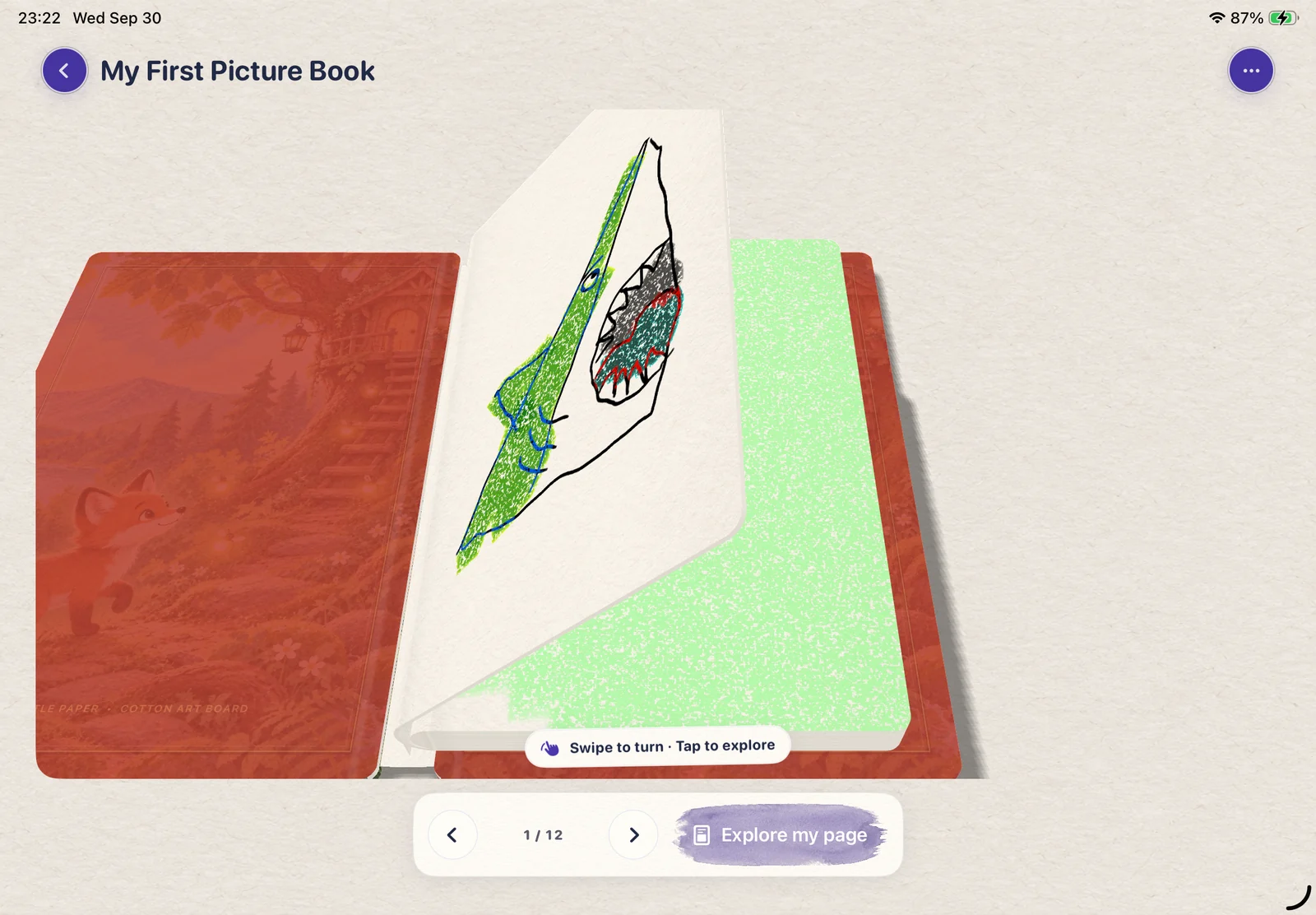
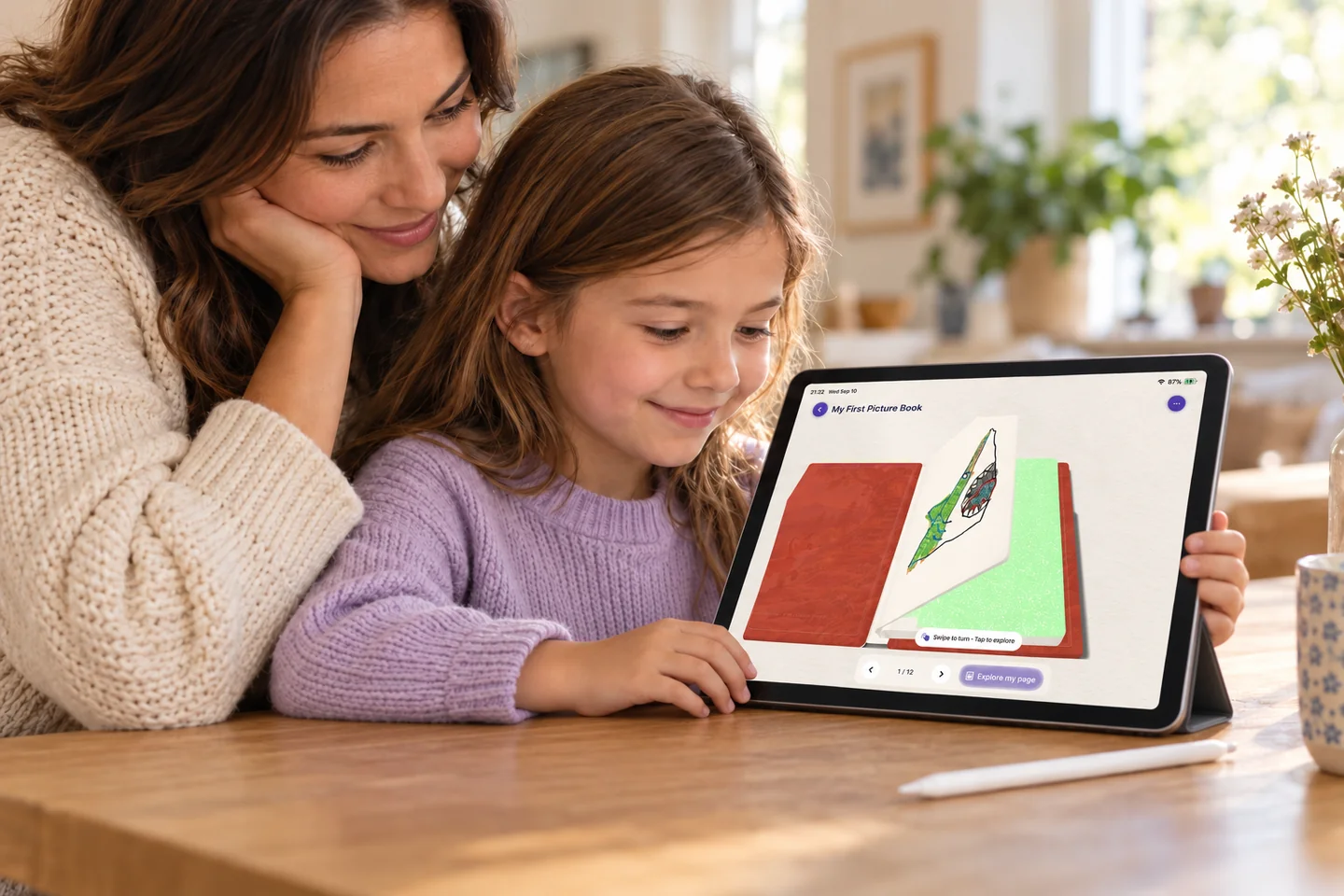 A little book.
The page is only the beginning
A brave shark. A new friend. A whole imaginary world. Put your pictures into a digital book and enjoy that lovely moment of turning the page.
Meet your little bookshelfThoughtfully simple. Happily expressive.
Pause a drawing guide or replay a step. Take another look whenever a line needs a little practice.
Crayon texture, color choices, and room for expressive strokes. Make the drawing feel like yours.
Keep creating, revisit your artwork, and bring pages together in a picture book you can flip through.
Watch step-by-step drawing guides, trace or draw on a canvas, add crayon color, replay their creations, and collect pages in digital 3D picture books.
No. You can draw with a finger. Apple Pencil is also supported on compatible iPads for a familiar drawing experience.
LittlePaper is an iPad and iPhone app. This website introduces the app; drawing, replay and the interactive picture books happen inside LittlePaper.
Yes. LittlePaper offers in-app purchases. Check the App Store and the app for the current available features, plans and prices.
A little beginning. A big “I did it.”
A drawing, a splash of color, a story.
Let the next little idea begin.