
Make the first page.
Start with a drawing idea or a blank page. Your book can grow around the things you enjoy making.
Draw a page. Make a world.
Turn your drawings into a digital picture book. Add another page, make up the story, and enjoy every 3D page turn.
Get LittlePaper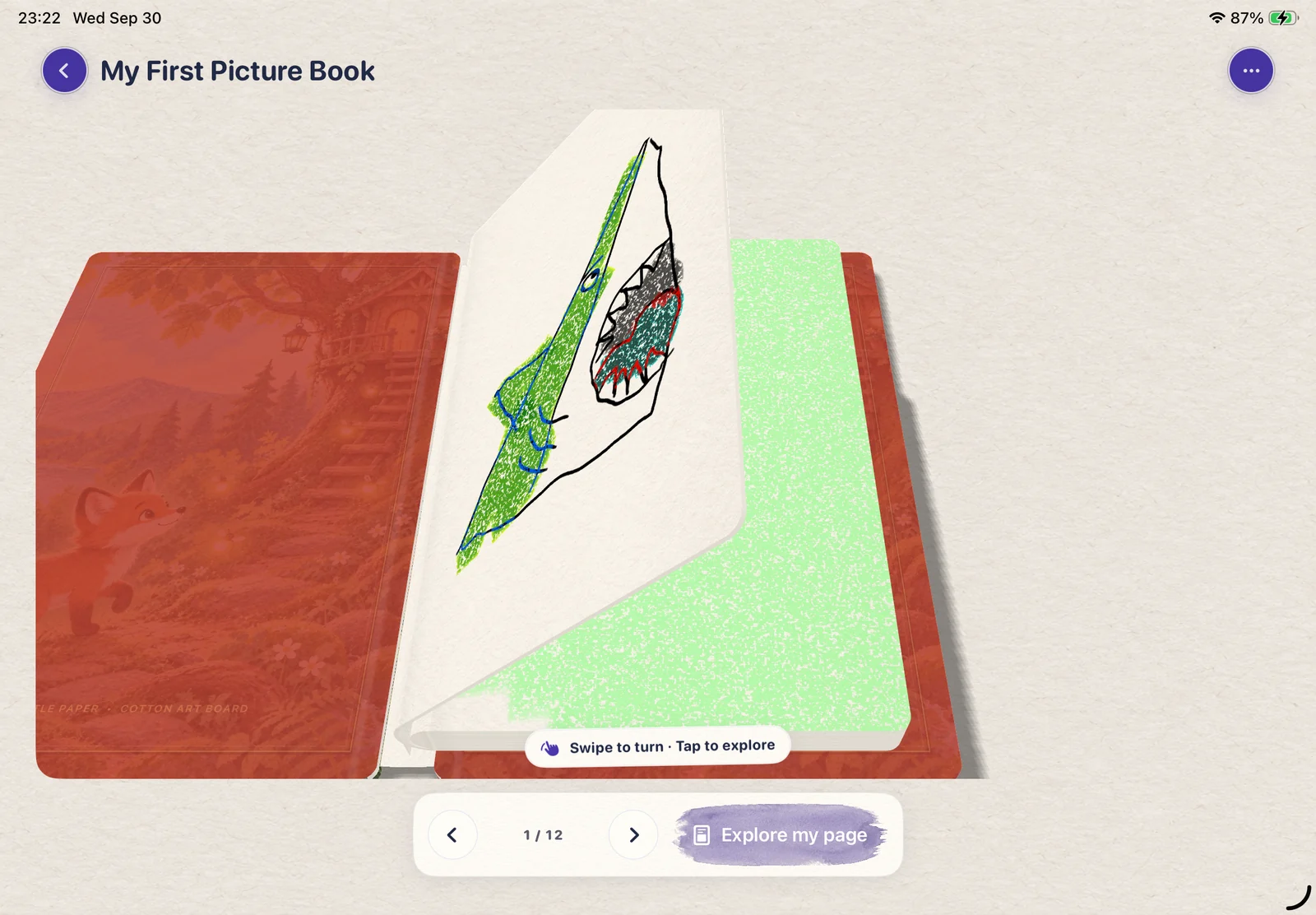
Stories start small
A picture book doesn’t have to start with a big plan. Draw someone, give them a place to go, and add the next page when an idea arrives.
Use color, text and stickers to bring your pages together. Reopen your book to keep creating or simply enjoy what you’ve made.
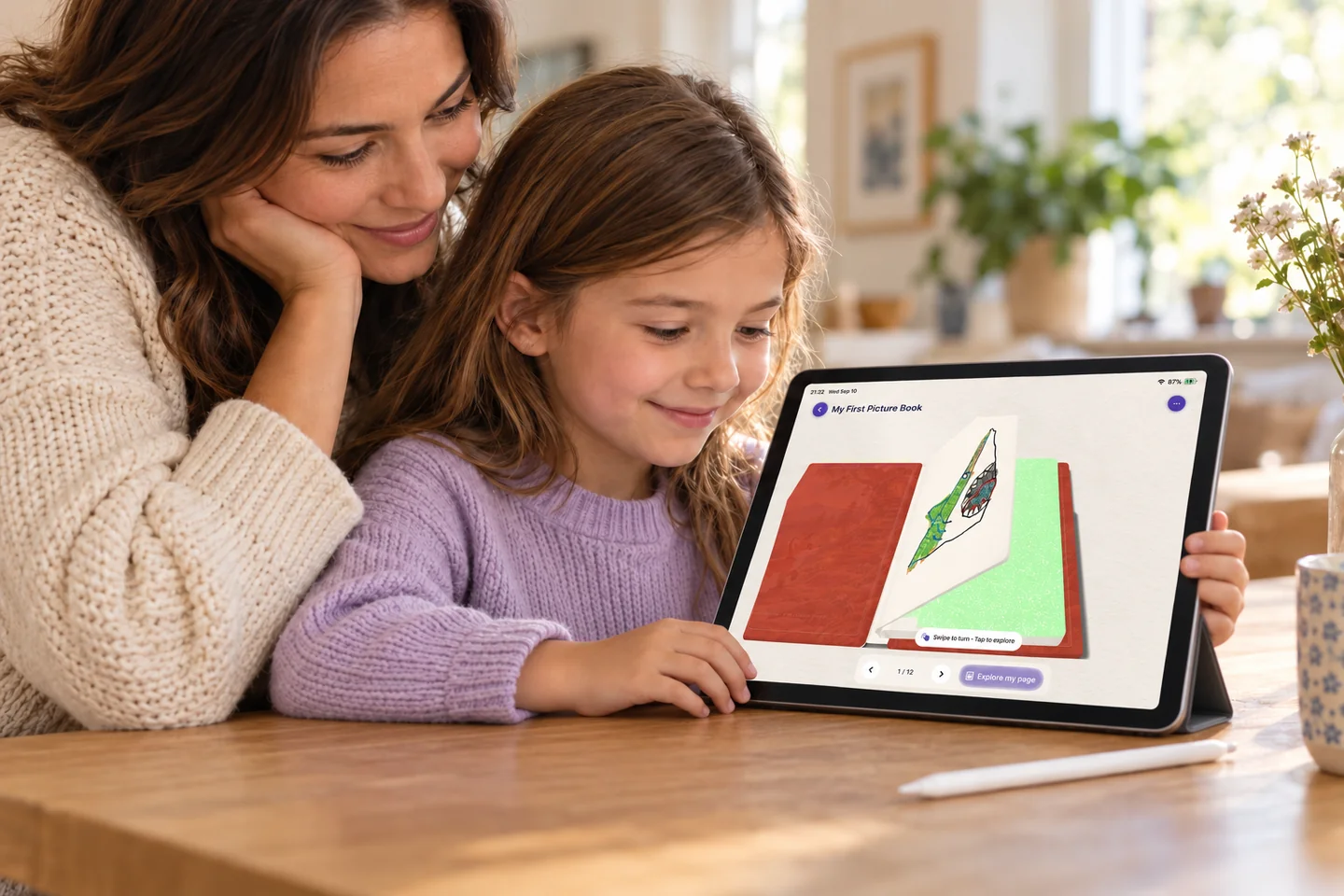
Start with a drawing idea or a blank page. Your book can grow around the things you enjoy making.
Add colors, text, and a few details that make the story yours. A grown-up can help with the words.
Open the 3D book view, swipe through the pages, and return to a page when inspiration comes back.
A note about little books
LittlePaper makes digital picture books inside the app. The 3D page-turning experience is digital; physical book printing is not part of this feature.
Yes. Open a page from your book to continue creating and add your next little detail.
Yes. Use the app’s drawing ideas for a starting point, then make your own picture and collect your pages in a book.
A little beginning. A big “I did it.”
A drawing, a splash of color, a story.
Let the next little idea begin.