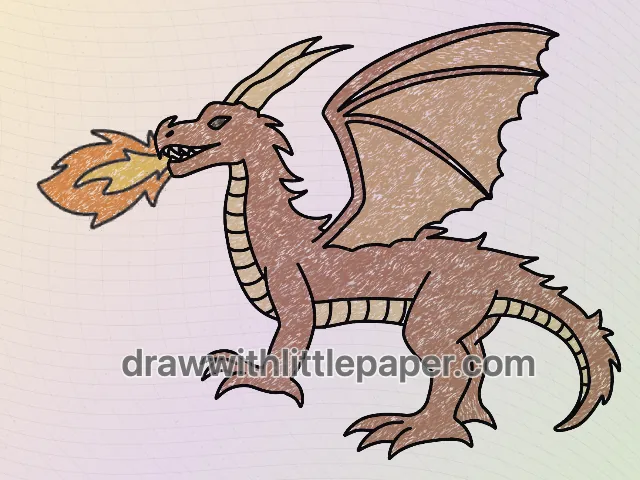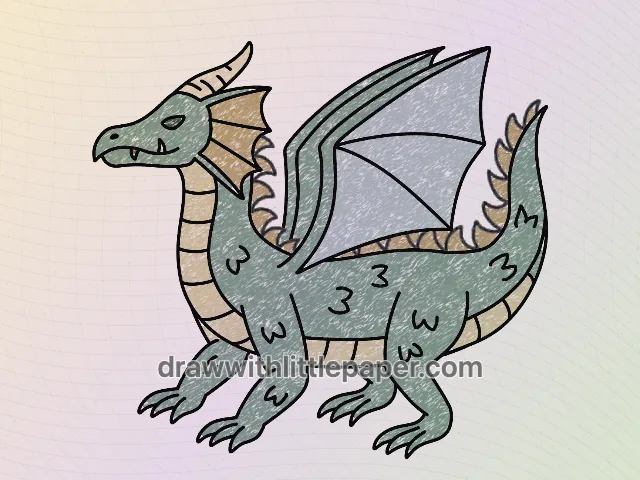
Fantasy · A drawing idea for little artists
How to Draw a Baby Dragon with Open Wings
Build a front-facing baby dragon with a round head, a striped belly and open wings in four selected drawing stages.
For iPad & iPhone · In-app purchases
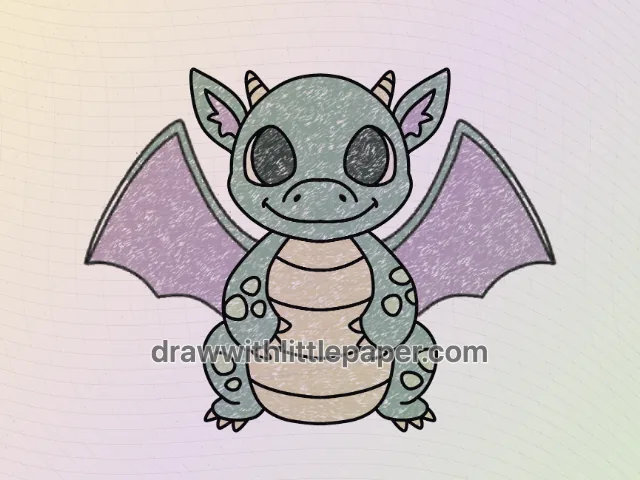
These 4 pictures show selected moments from the drawing. For every step in between and a guide on your canvas, get the full lesson in LittlePaper.
What you will learn
Use a central belly and paired wings to keep a front-facing baby dragon balanced.
Shapes and proportions
Place the eyes on opposite sides of the face center and the wings outside the arms. Keep the curved belly bands centered between the two sides of the body.
A common mistake
One wing can drift higher or farther out than the other, making the front-facing pose look twisted.
How to fix it
Mark two wing-tip positions at a similar height before connecting the upper edges. Compare each wing with the same side of the head and adjust before darkening the outline.
This baby dragon faces forward, so the two eyes, arms and wings should feel like matching pairs. The head is almost as wide as the body, and the belly bands provide a clear center line. The open wings widen the silhouette without making the torso larger.
These four pictures are selected stages, not the complete sequence. The blue guide lines show additions at the illustrated stage. Use the shape notes on paper, or open the full drawing in LittlePaper to follow the smaller steps between these pictures.
A few things to start with
Paper, pencil, mint-green, cream and lavender crayons, plus a dark drawing pencil.
A little peek at the drawing
1 / 4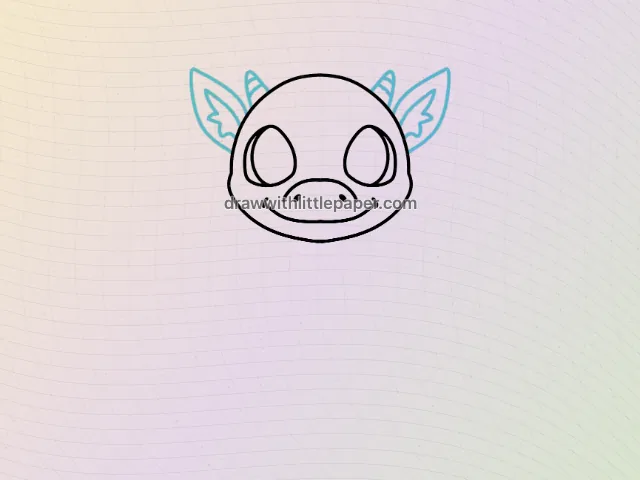
Selected stages · The complete drawing sequence is in the app.
Shapes, character & color
A look at the drawing stages.
Try the shape tips below on paper. When you’re ready to draw along with each small step, continue in LittlePaper.
- 01Selected stage
Round face and pointed ears
This selected stage shows the eyes and snout inside a round head, then adds pointed ears at both sides. Compare the ear positions before drawing the smaller inner shapes.
Round face and pointed ears · Preview image 1 of 4 - 02Selected stage
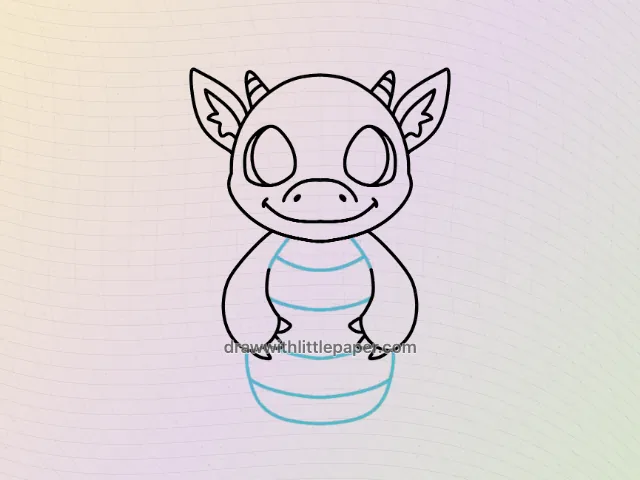
A centered banded belly
In this later stage, the arms frame a large rounded belly. Add the curved bands across its middle while keeping their ends aligned with the belly shape.
A centered banded belly · Preview image 2 of 4 - 03Selected stage
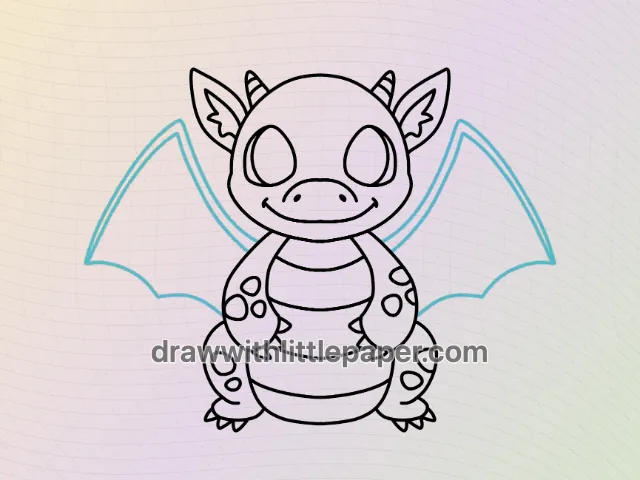
Open the wings
The completed outline adds patterned limbs and two wings outside the body. Notice how the wing tips widen the silhouette while leaving the hands and head readable.
Open the wings · Preview image 3 of 4 - 04Selected stage
Mint, cream and lavender
Use mint green for the body, cream for the belly bands and lavender inside both wings. Repeat the same palette on matching parts rather than changing colors randomly.
Mint, cream and lavender · Preview image 4 of 4
A little practice goes a long way
Make room for your own ideas.
Use mint green on the body, cream on the belly and matching lavender wings. Keep the dark eyes and pale horn tips distinct from the surrounding green.
The next little step is yours
Like the idea?
Let’s make it together.
Open the “Draw a Baby Dragon” drawing idea in LittlePaper for the complete sequence. Follow a guide, pause when you need, and add your own colors.
Download LittlePaper from the App Store, then open the drawing idea inside the app.
Every step, at your pace.
See the full drawing sequence. Pause, replay, and take another look whenever a shape needs practice.
A guide where you draw.
Trace on the canvas, then try your own lines with a finger or Apple Pencil on a compatible iPad.
Make it yours. Keep the making.
Add crayon color, replay your creation, and give your picture a home in a digital 3D book.