
Watch, then try
A replay button
for your “one more time.”
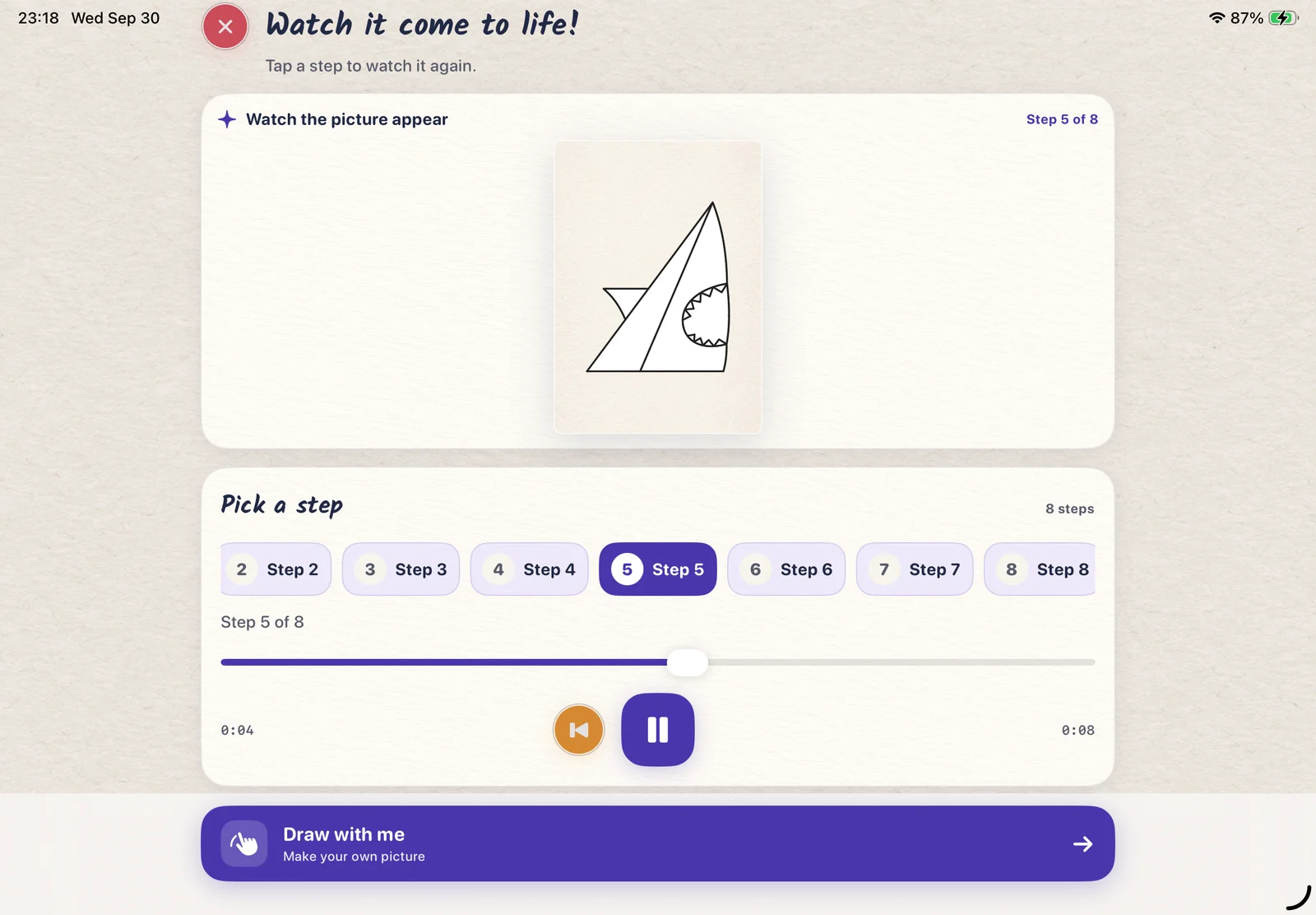
See how a picture comes together. Choose a step, pause to catch up, or replay the guide. After drawing, Creation Replay lets you revisit your own making.
LittlePaper for iPad & iPhone
Drawing guides and open-ended creativity, together. Follow a step, color with character, and turn a collection of drawings into a picture book.
Five little ways to make it yours
One creative space for the first line, the last color, and everything in between.
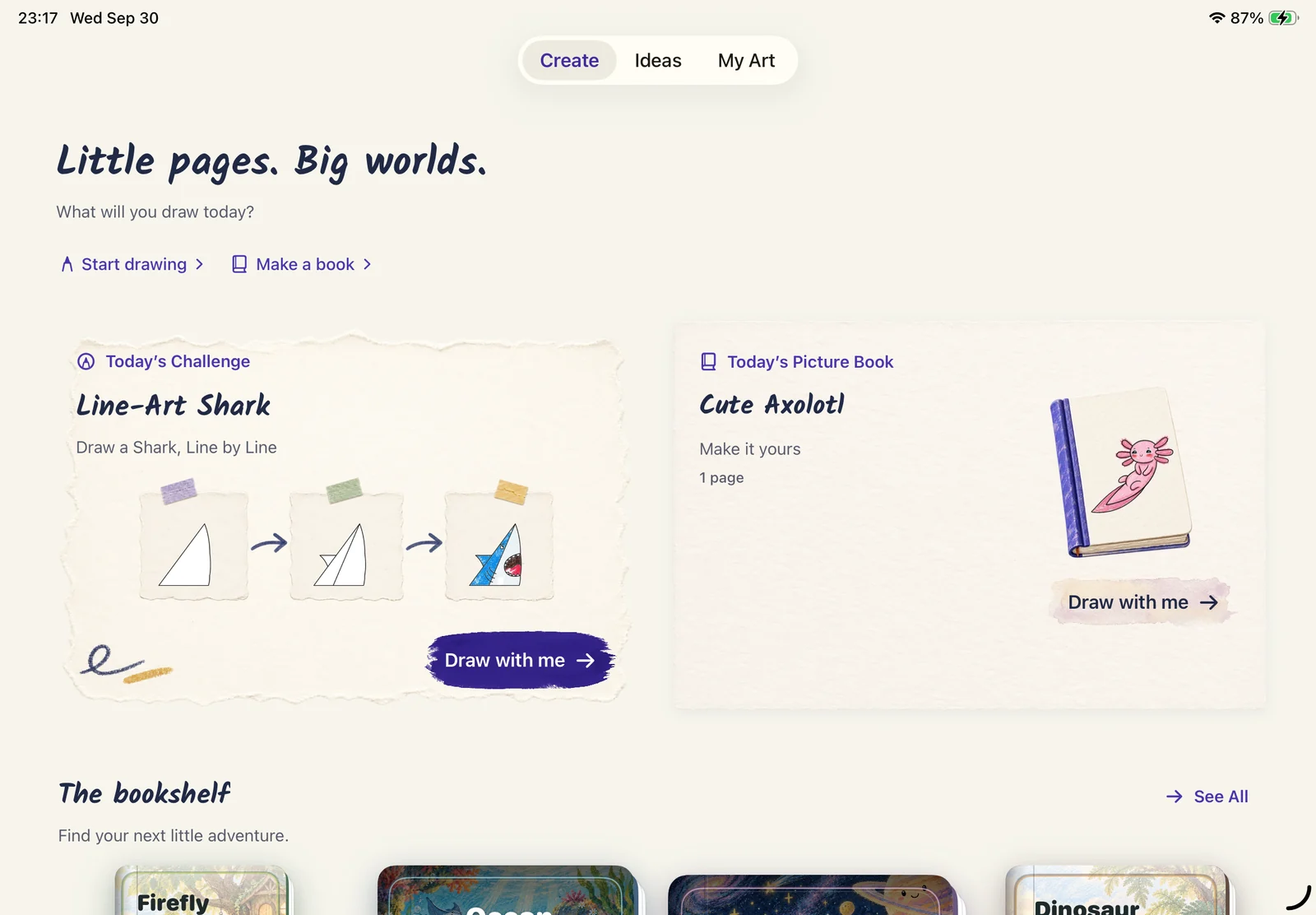
Pick a drawing idea, start a fresh page, or make your own picture book. A little inspiration goes a long way.
Play the steps, pause, and go back to the part you want to see again. You set the pace.
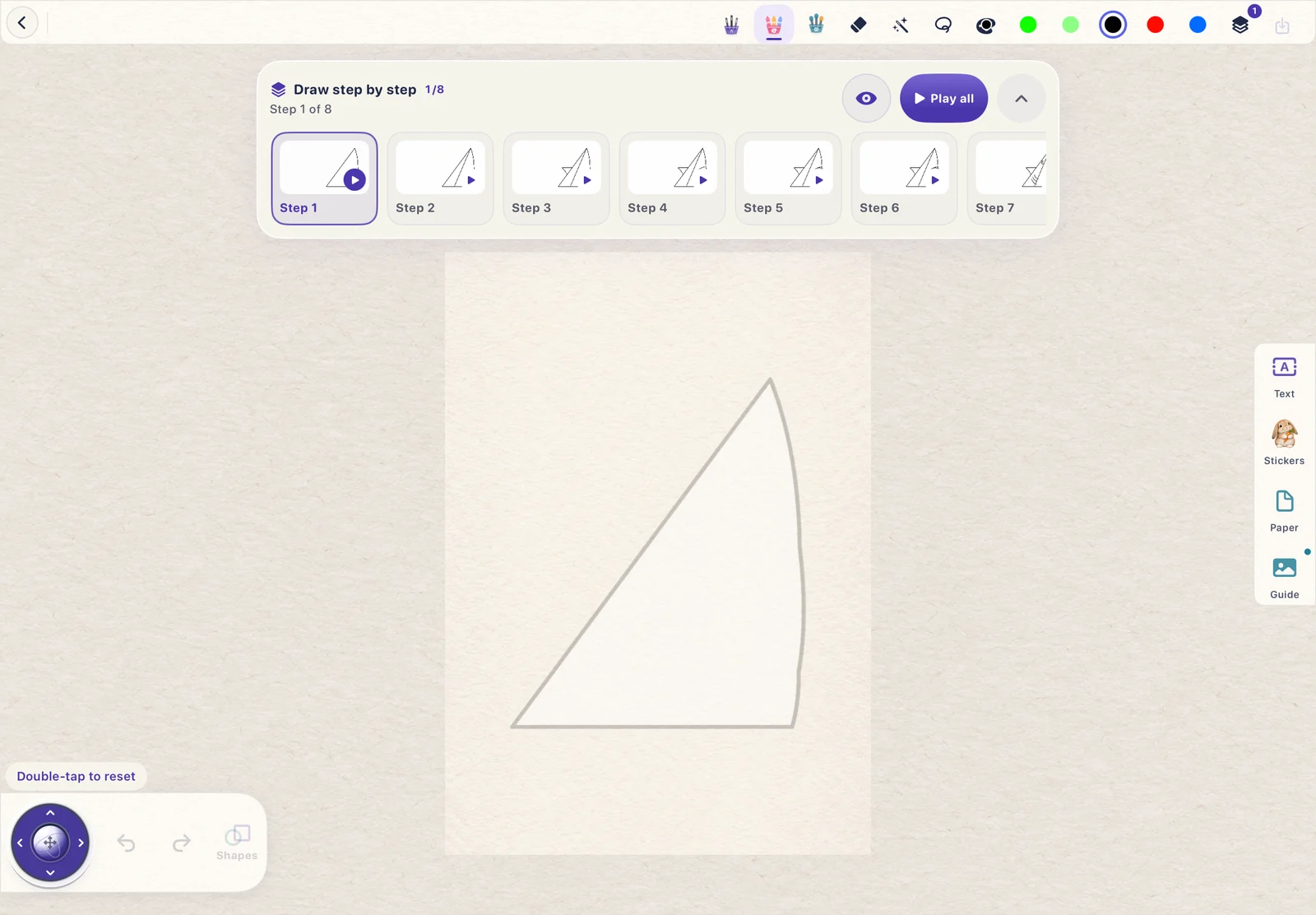
Follow a light guide on the canvas, then make the picture your own with your finger or Apple Pencil.
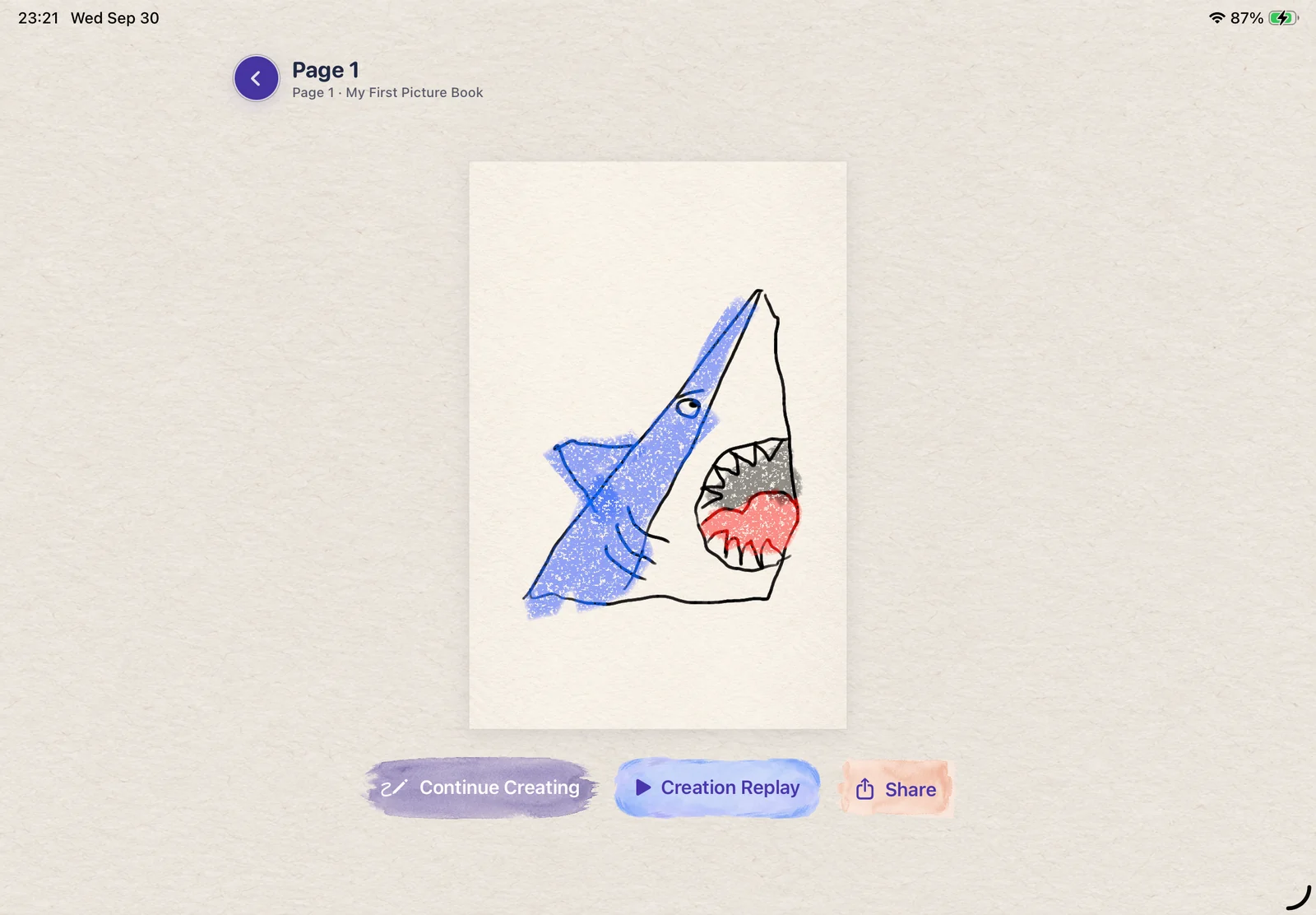
Add expressive crayon marks and your own color choices. The little imperfections are part of the picture.
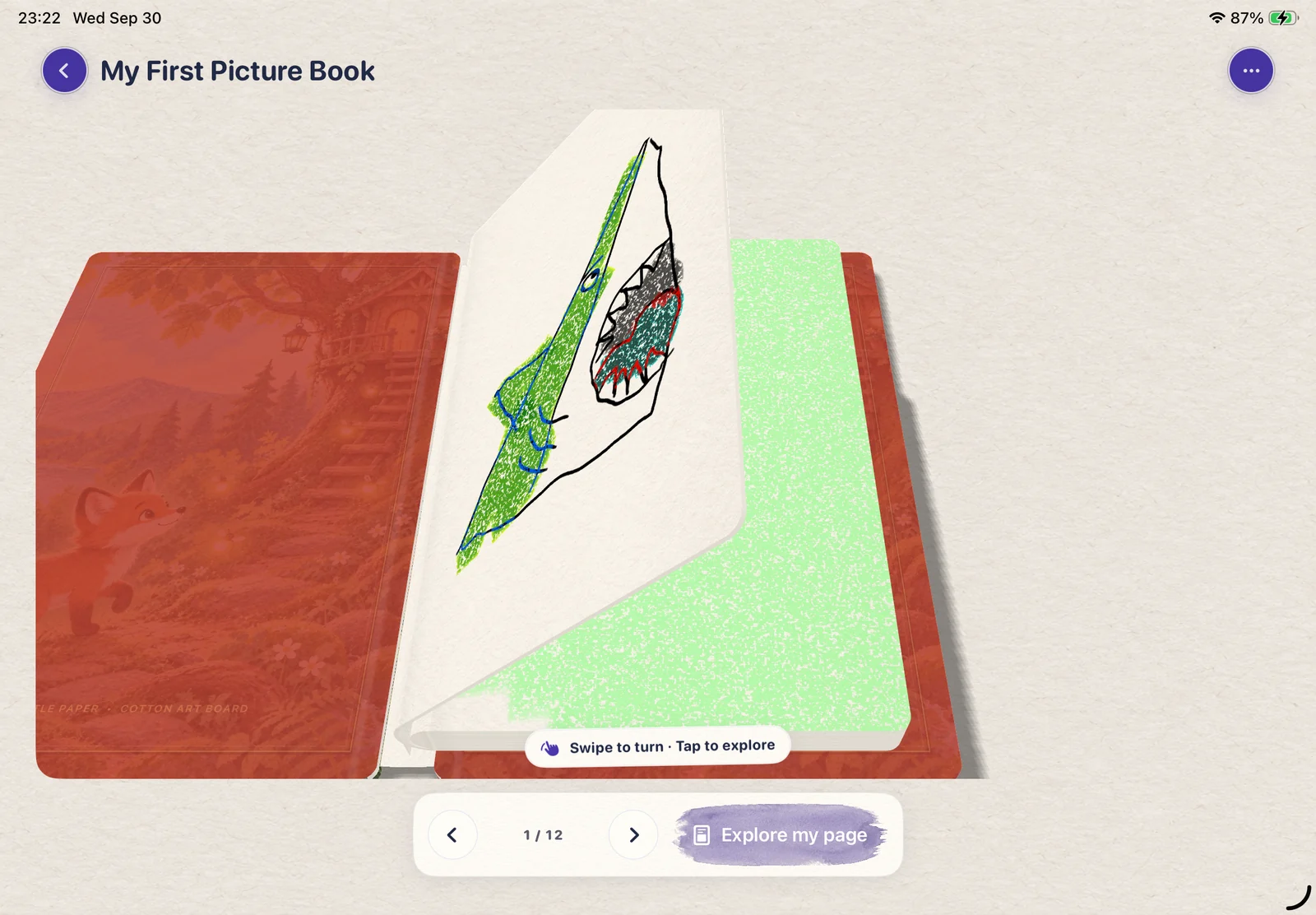
Bring your pages together in a digital picture book, turn its 3D pages, and revisit what you made.
Stickers, crayon color & a little make-believe
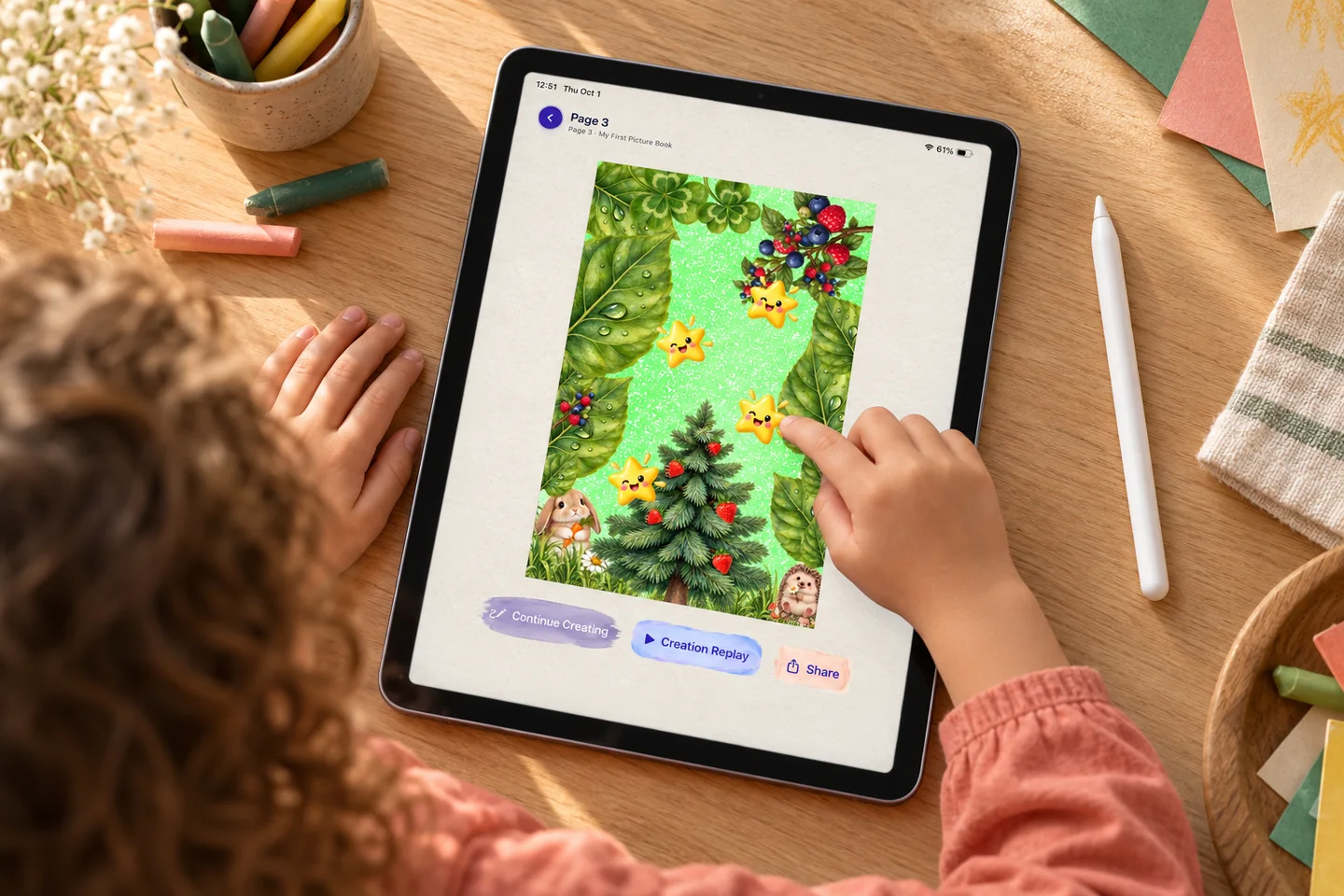
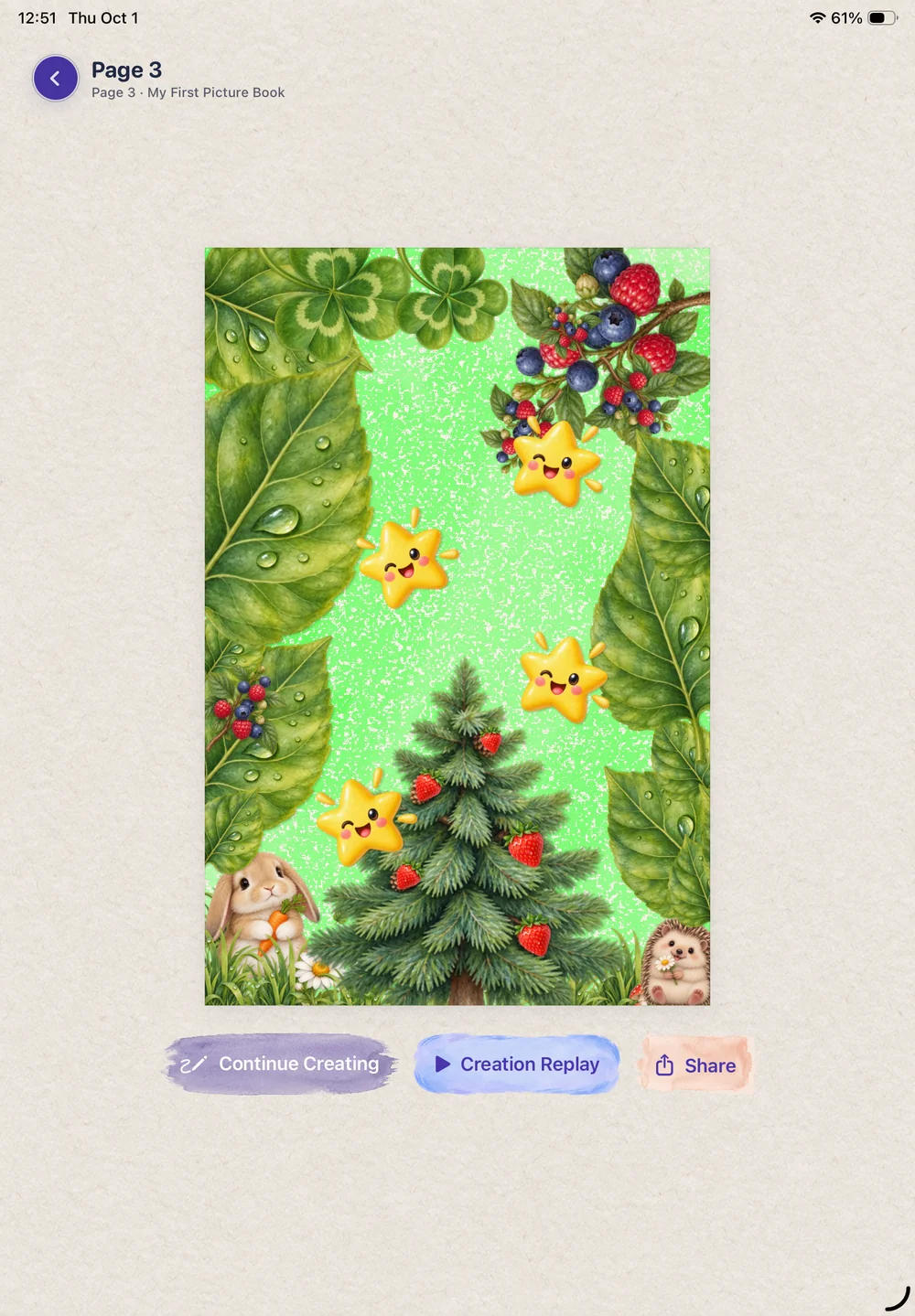
A rabbit in a leafy forest. Smiling stars in the trees. Mix playful stickers with crayon color to build a collage only your child could dream up.
No perfect drawing needed. Just a few favorite things, and a story to bring them together.
Creation Replay · Save & share
That first line. The toothy grin. The splash of blue. Watch their drawing come to life again, in the order they made it.
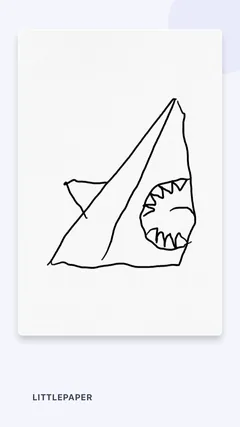
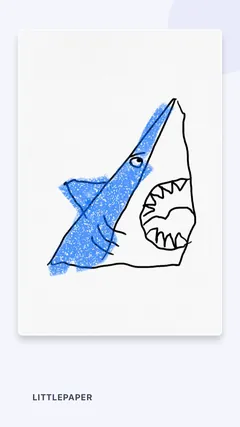
Save a replay video in LittlePaper, then share the making with family. A finished picture is lovely. Seeing how it happened makes it personal.
Create your own little replayIn this silent sample, a shark grows from simple lines into a toothy character, then gets blue crayon color.
Video not loading? Open the replay directly ↗
Watch, then try
See how a picture comes together. Choose a step, pause to catch up, or replay the guide. After drawing, Creation Replay lets you revisit your own making.
Your colors. Your character.
Experiment with crayon marks, play with colors, and let a wonky line become part of the charm. Add text and stickers when your page needs a little extra story.
Beyond a single drawing
Start with one page or create a whole picture book. LittlePaper’s 3D page-turning view makes revisiting your drawings part of the fun.
See the picture-book experienceA simple way to begin
Explore an idea in the app, start a fresh canvas, or open one of your picture books.
Use the drawing steps for guidance. Replay what you need and make each mark at your own pace.
Add your own finishing touches, revisit your artwork, and use the app’s sharing options with a grown-up.
A little inspiration
Peek at selected drawing stages, pick up a few tips, and find your next idea. Complete preview lessons inside LittlePaper.
 3 preview images
A little smile, frilly gills and a swishy pink tail. Peek at this playful axolotl, then draw along in LittlePaper.
Take a little peek 3 preview images
A tiny smile. Big crayon color. Preview three key drawing stages, then make every little step your own in LittlePaper.
Take a little peek 3 preview images
Wavy frosting, rainbow sprinkles and one happy little face. A sweet drawing idea for a birthday card or a rainy afternoon.
Take a little peek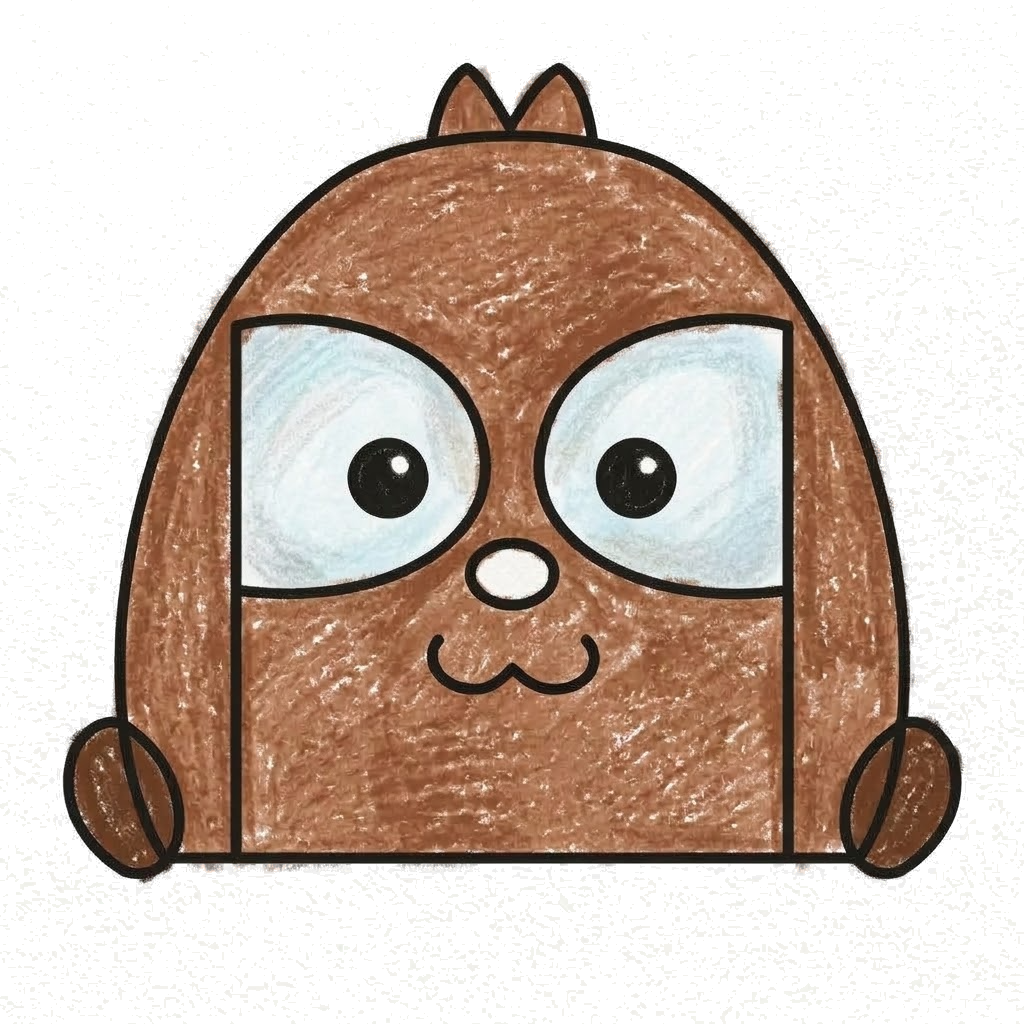 3 preview images
A round little character with big eye patches, tiny paws and a warm brown coat. Give this woodland friend a name of its own.
Take a little peek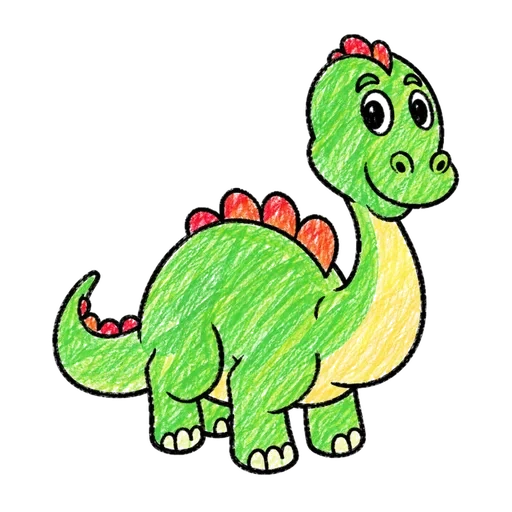 4 preview images
A long neck, chunky little legs and a row of bright back plates. Meet a dinosaur made for big imaginations.
Take a little peek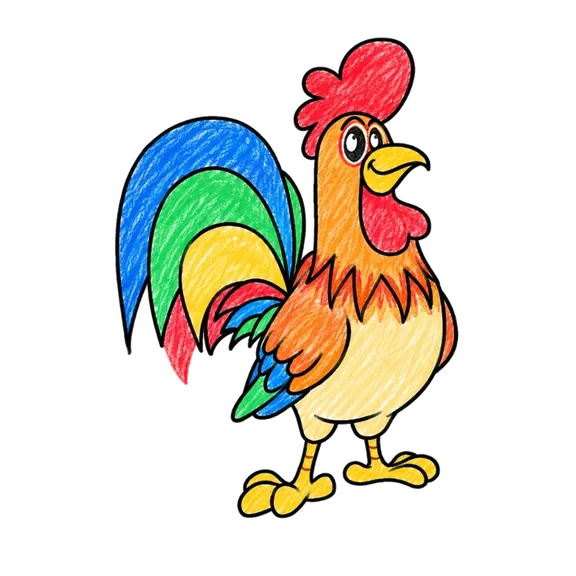 4 preview images
From one small oval to a proud farmyard bird with a rainbow tail. Take a peek, then follow every little line in the app.
Take a little peekA little beginning. A big “I did it.”
A drawing, a splash of color, a story.
Let the next little idea begin.